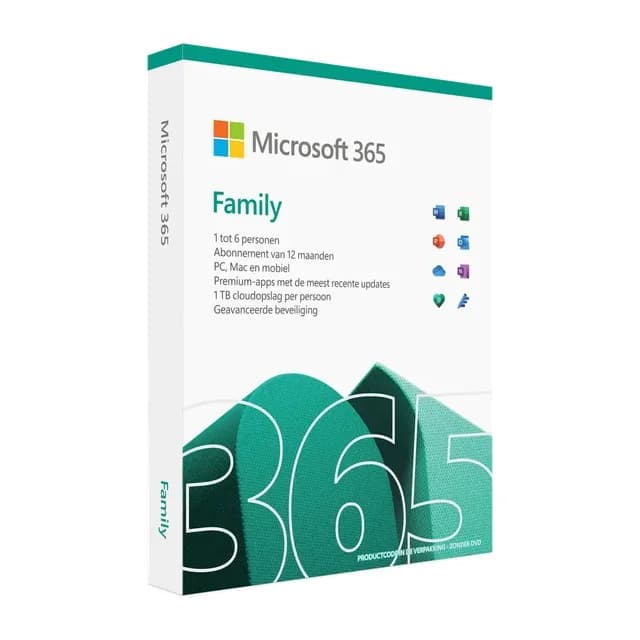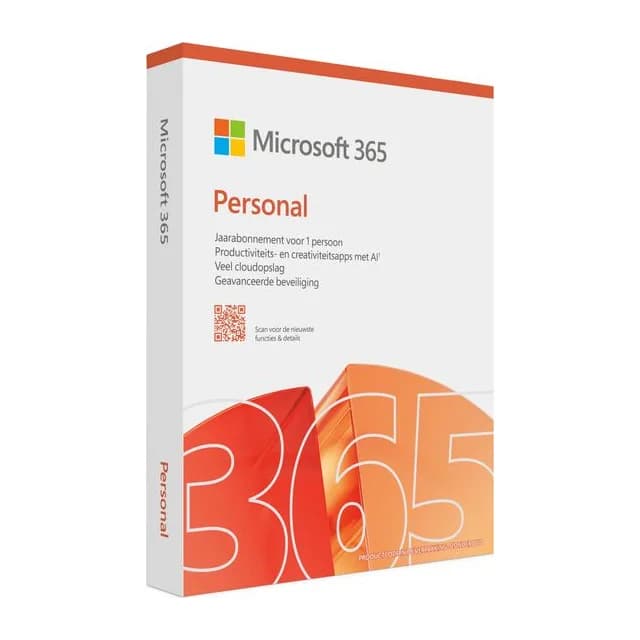
Microsoft 365 , 1 year (account)
A year of Office on an account we set up for you
Instant digital delivery
- Instant delivery by email
- 100% legal & genuine
- Expert support included
- Pay securely with PayPal, credit card & more
- Licence term
- 1 year
- Activation
- Accountinlogen
- Platform
- Windows, macOS, iOS, Android
Product description
Microsoft 365 for a year, on an account from us
You receive a Microsoft 365 account from us: an email address and a password. Nothing else is needed, and there is no product key involved.
The account runs for one year. During that time you use the Office apps on your own devices.
What you get
- Word, Excel, PowerPoint, Outlook, Teams and OneNote
- 1 TB of OneDrive storage
- Windows, macOS, iPad, iPhone and Android
- Updates arrive automatically
After your order
The sign-in details arrive by email, usually within minutes. Sign in at office.com, download the apps, done. If anything is different, write to help@liceon.com.
Frequently asked questions
Activate Microsoft 365 Personal by signing in with your own Microsoft account. Go to office.com, sign in or create a free Microsoft account, and link the subscription to your account. From that moment on, the subscription is in your name and you can start working on all your devices. If you don't have an account yet, you can create one in a few minutes using your email address.
You download Microsoft 365 Personal directly from Microsoft via office.com. Sign in there with the Microsoft account you linked the subscription to and choose Install apps. The installation will handle the latest versions of Word, Excel, PowerPoint and Outlook by itself. Simply repeat this on every device where you want to use Office, whether it's a PC, Mac, tablet or phone.
Yes, Microsoft 365 Personal from Liceon is a 100% genuine and fully legal Microsoft licence. Your documents remain completely clean and there are no hidden restrictions. You use the full versions of all apps with all features, just as if you bought directly from Microsoft. And as long as your subscription is active, you'll also receive all updates automatically.
According to the official Microsoft requirements, you need Windows 11 or Windows 10, or one of the three most recent versions of macOS. You'll also need a 1.6 GHz or faster processor with 2 cores. For memory, 4 GB RAM on a 64-bit system and 2 GB RAM on a 32-bit system is required. As for storage, Windows needs at least 4 GB of free disk space and on a Mac about 10 GB. The recommended screen resolution is 1280 x 768 on Windows and 1280 x 800 on macOS.
Delivery is instant and digital. After ordering, you'll usually receive Microsoft 365 Personal in your inbox within a few minutes. So you don't have to wait for a physical delivery: as soon as you get the email, sign in with your Microsoft account and install the apps via office.com. That way you can get started almost immediately.
Microsoft 365 Personal is a 1-year subscription for 1 person with always the latest apps and 1 TB of OneDrive storage, usable on multiple devices. Microsoft 365 Family is the same subscription but for up to 6 people, with each getting their own 1 TB of OneDrive. The one-time purchase Office, like Office 2021 or 2024, is bought once for use on a single device: you don't have yearly costs, but you also don't get automatic upgrades to new versions or 1 TB of cloud storage. Personal is therefore ideal if you want to stay up to date on your own with generous cloud storage.