
Windows
Windows 10 or Windows 11, Home or Pro — the right edition depends on your hardware and whether you need business features. Pick your licence, pay securely and install at your own pace; if you get stuck, we walk you through it personally.
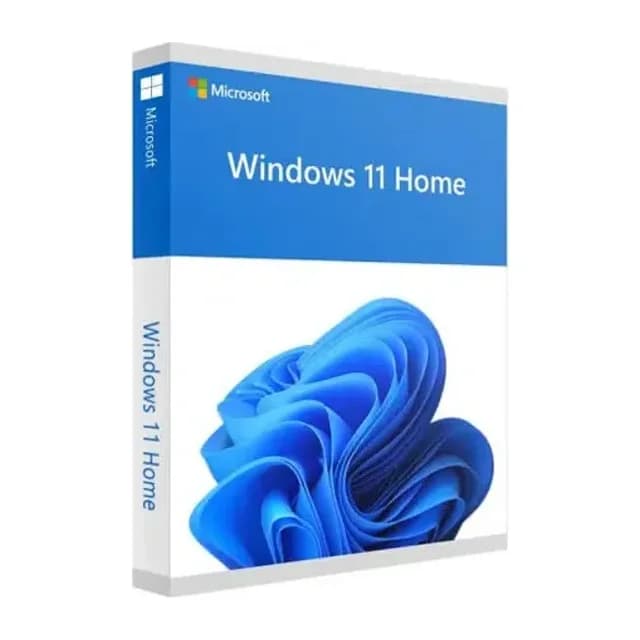
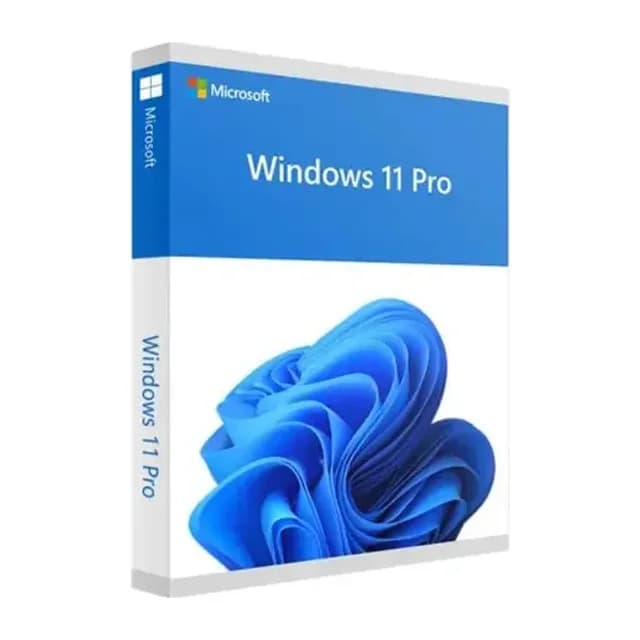
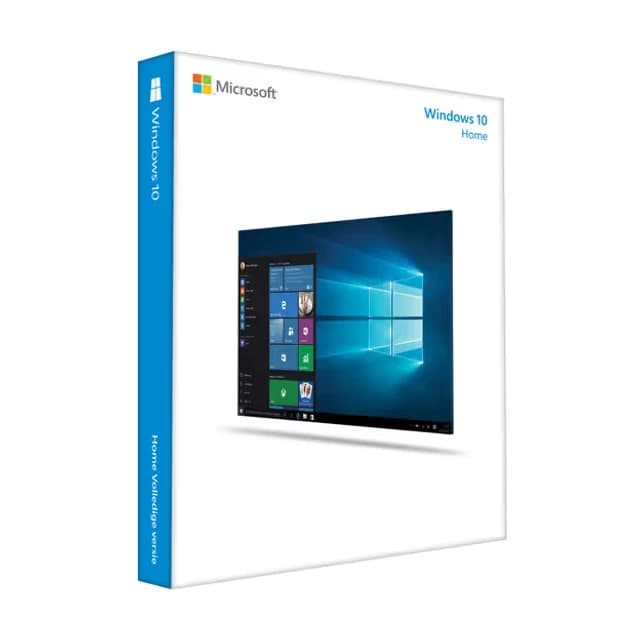
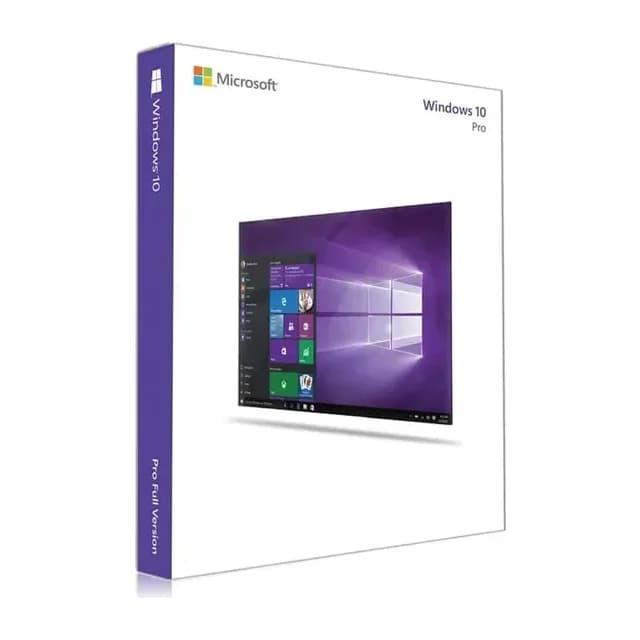
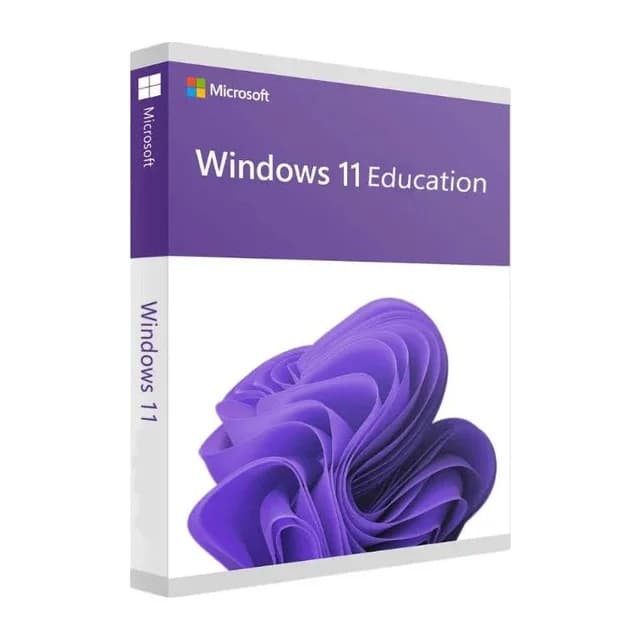
Home or Pro — which one fits?
Home covers everything you need at home or for light work. Choose Pro when you want BitLocker drive encryption, Remote Desktop into your PC, Hyper-V or joining a company domain. Windows 11 needs a device with TPM 2.0; if you're unsure, Windows 10 is a safe pick that stays supported into its final update window.
From order to a working PC
Your activation code is in your account and inbox the moment payment clears, with a step-by-step install guide alongside it. A clean install or an upgrade from an older Windows uses the same code.
Stuck on activation?
If activation hangs or Windows returns an error code, message us with your order number and we'll go through it together until your desktop loads. In the rare case a key won't take, we swap it.